
Comb Communications
Comb MK II Family
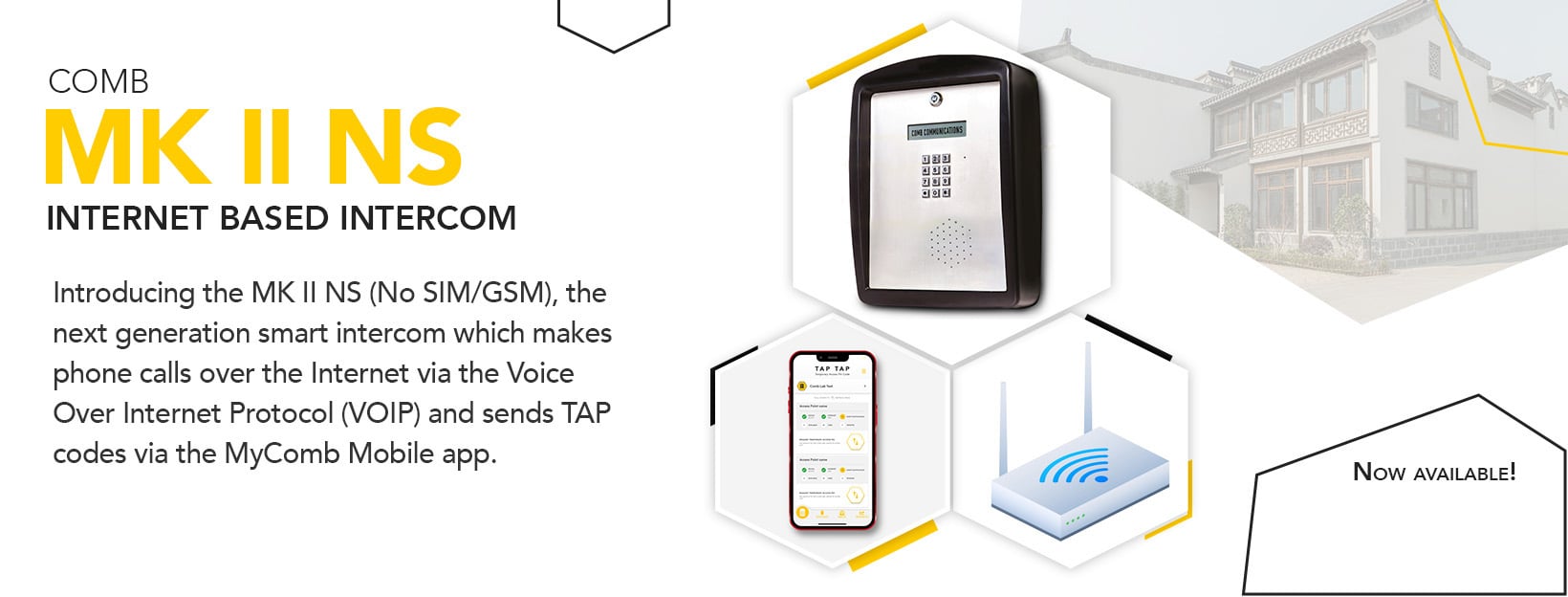
Official Comb MK II smart intercom family for clusters, townhouses, business parks and residential estates.
Verified against the official Comb Communications product page on 2026-07-16.
Overview
Official Comb MK II smart intercom family for clusters, townhouses, business parks and residential estates.
Verified Compatibility
- Category
- Visitor Management
- Manufacturer
- Comb Communications
- System Family
- Comb Communications
- Product Type
- Visitor Management
- Connection / Bus Technology
- Intercom controller family
- Compatible Families
- Comb Communications
- Restrictions / Migration Notes
- Confirm exact model, firmware, regional variant and site requirements before installation or migration.
- Verification Source
- https://comb-communications.com/mk-ii-plus/
SonSec Technician's Notes
Confirm exact Comb platform, device generation, account access, network requirements and official documentation before installation or service work.
SonSec Verdict
SonSec supports installation, configuration, service, maintenance and upgrade planning for verified Comb Communications visitor-management and access-control systems.
Ideal For
Site Security Upgrades
Repairs To Existing Security Systems
Planned Maintenance And Replacement Planning
When Not to Choose
Unconfirmed compatibility
Unsafe installation conditions
Things to Consider
Site conditions
Compatibility
Support outcome
Installation Notes
Pre-installation assessment
System integration
Handover planning
Maintenance Notes
Periodic inspection
Fault history
Documentation
Service Life Expectations
Condition-led support
Replacement planning
Key Features
Intercom controller
Smart intercom family
Intercom controller
Comb Portal integration
Intercom controller
Access-managed environments
Verified model identity
Comb MK II Family is published as model MK II from Comb Communications in the Visitor Management catalogue.
Customer-facing product type
Comb MK II Family is classified as Visitor Management in Comb Communications for routing, filters and related-product logic.
Connection and integration path
Comb MK II Family uses Intercom controller family.
Compatibility is explicit
Comb MK II Family compatibility is limited to the verified catalogue relationship for this model.
Source-backed content
Comb MK II Family content is tied to https://comb-communications.com/mk-ii-plus/.
Specifications
| Specification | Value |
|---|---|
| Product Type | Intercom controller |
| Official Source | Comb Communications product page |
| Exact Model | MK II |
| Manufacturer | Comb Communications |
| Category | Visitor Management |
| System or Product Family | Comb Communications |
| Connection or Bus Technology | Intercom controller family |
| Published Status | Verified Current Product |
| Canonical Route | https://sonsec.co.za/products/visitor-management/comb-mk-ii-family/ |
Recommended Applications
Compatible Accessories
- backup batteries where compatible
- remote controls or access devices where supported
- safety, protection and control accessories where appropriate
Recommended Accessories
- backup batteries where compatible
- remote controls or access devices where supported
- safety, protection and control accessories where appropriate
FAQs
Can SonSec install Comb MK II Family?
SonSec can assess the site and advise whether the product is suitable for the required security or automation task. Final recommendations depend on site conditions and product compatibility.
Can SonSec repair a system using Comb MK II Family?
SonSec can diagnose faults on supported systems and advise whether repair, replacement or maintenance is the correct next step.
Which accessories should be used with this product?
Accessory selection must be confirmed against the exact product model, manufacturer documentation and installed system design.
Is official documentation available?
Where an official public manufacturer document has been verified, it is listed on the standalone Product Manuals page.
What information should I provide when booking support?
Provide the product name, installed location, symptoms, photos where useful, recent power events and whether the issue affects access or site security.
Common Faults
Service & Maintenance
- Confirm the exact product model and installed accessories before service work.
- Check power, battery condition and wiring before replacing control equipment.
- Use official manufacturer documentation where a product-specific setting or procedure is required.
Warranty / Support Notes
- Warranty and support outcomes depend on product age, installation condition, documentation and manufacturer policy.
- SonSec does not publish unverified warranty terms on product pages; confirm the current support path when booking.
Related Products
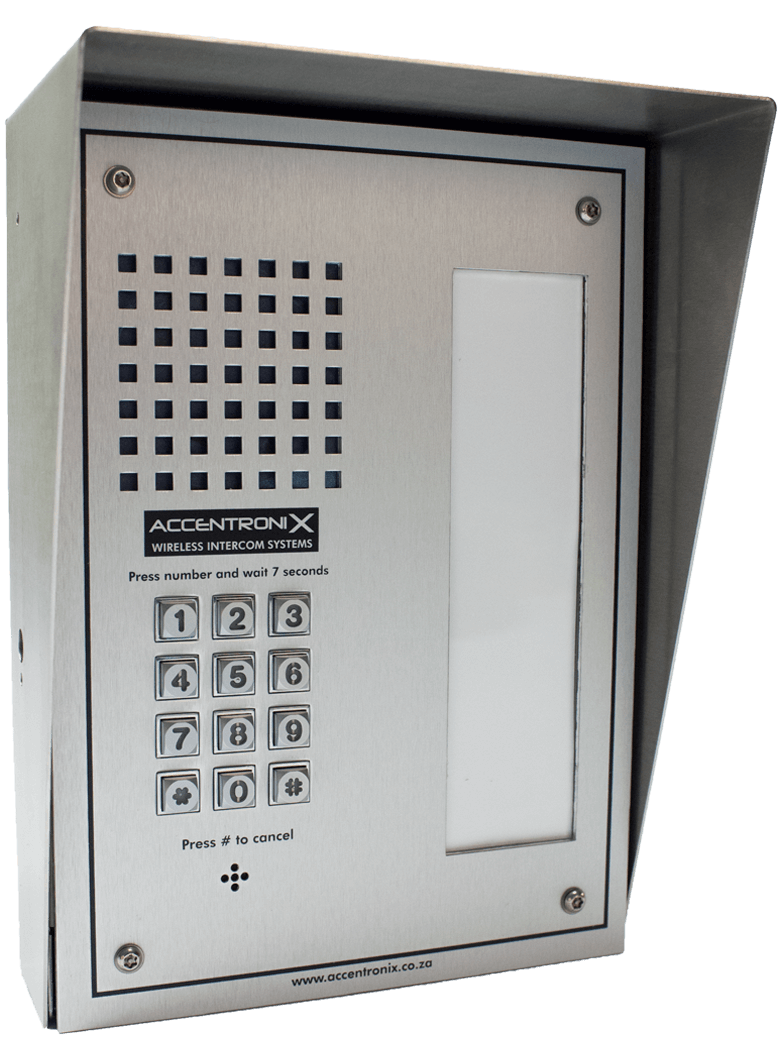
Accentronix Wireless Intercom Infinity
Accentronix wireless intercom platform for mobile calling, visitor OTP and access-control management.
View Product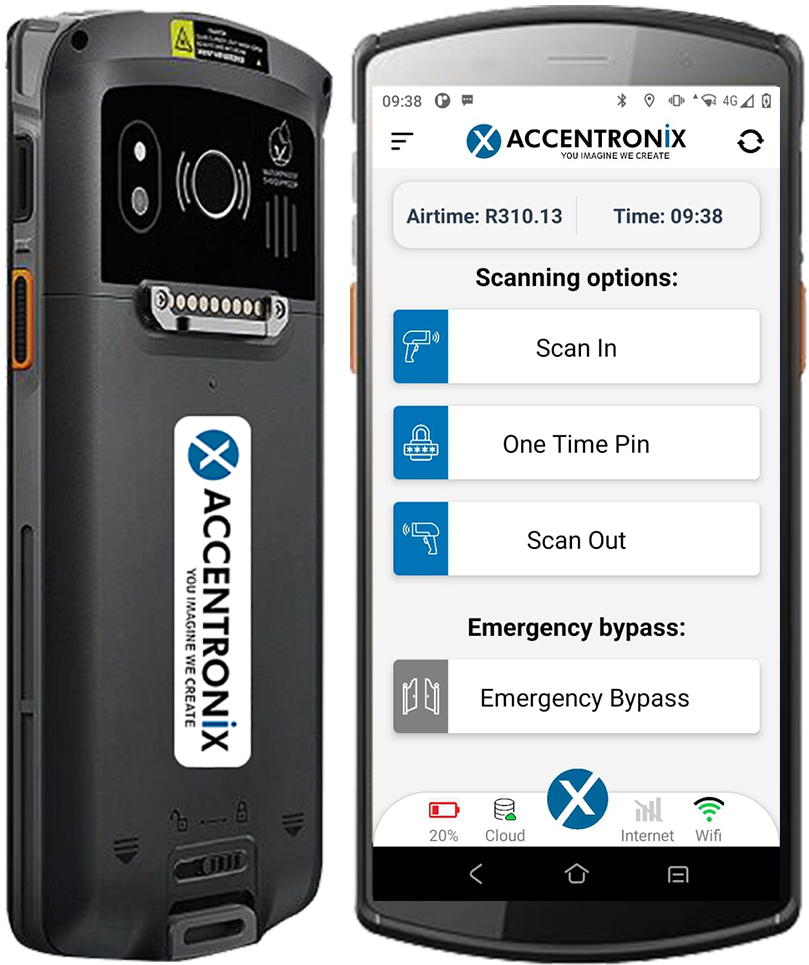
Accentronix License Disk Scanner
Accentronix visitor-management scanner for driver, vehicle and visit-record workflows.
View Product
Comb Scan
Official Comb Scan visitor-management scanner described by Comb as a licence scanner.
View ProductProduct Support
Need help with this product?
Contact SonSec for verified product advice, installation, service or maintenance.